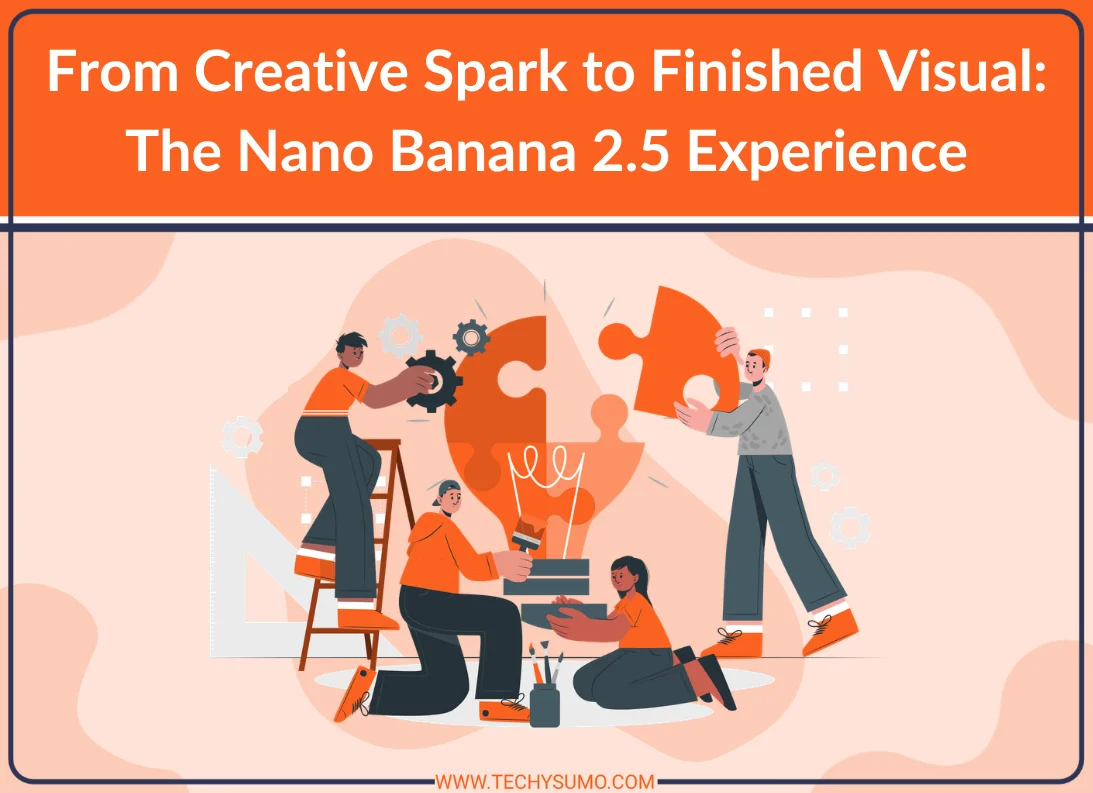
A strong visual often starts with a simple thought. You may have an idea for a product scene, social post, poster, or story. Turning that thought into a finished image can involve several steps. You need the right subject, setting, light, style, and layout. Image generation tools can make this early stage easier. Nano Banana 2.5 is part of this wider shift toward prompt-based image creation and editing. The process can start with a brief description and grow into a more detailed visual through several revisions.
Table of Contents
Starting With a Clear Creative Idea
Your first step should be that you should have an idea of what you need and what you want to see. If your prompt is not clear, then the image is not accurate. A clear prompt gives the image a stronger direction. Think about the main subject first. When you have a clear prompt, you should then move towards the setting, mood, lighting, camera angle, and style. Start with the important points. Do not add unnecessary points.
Turning Prompts Into Visual Results
Once the idea is clear, the next stage is to generate it. This is where text becomes a visual concept. The result may be close to the goal, or it may need changes. A useful workflow is to review the whole image before making another prompt. If something feels wrong, focus the next instruction on that one issue. A creator exploring Nano Banana 2.5 can use this type of prompt-led process to explore visual directions.
Five Useful Creative Directions
- Product Scenes
- Social Posts
- Storyboards
- Poster Concepts
- Brand Visuals
Finding the Right Composition
A good image also needs a strong layout. The subject should have enough space. Important details should not sit too close to the edges. The image should also fit the place where it will be used. A square design may work for a social post. A wide image may suit a website banner. A vertical layout can work better for mobile content.
Moving From Draft to Finished Visual
Generation is only one part of the process. The finished image may still need editing. You may want to crop it, improve the background. And then remove an unwanted detail, or adjust the overall look. This stage is where human choices remain important. The creator decides whether the image matches the project. They also check small details that may not seem correct at first. Then this will be clear lokok.
Also Read
Giving the Final Image a Purpose
A finished visual should support the message behind it. A product image should make the product easy to understand. A social graphic should catch attention without making the design confusing. A story image should support the scene and mood. The best results often come from several small improvements. Start with the main idea. Build the scene.
Conclusion
Nano Banana 2.5 reflects a broader change in how digital visuals can be created. A simple idea can become a visual draft in a short time. That draft can then be reviewed and refined. The process is not only about generating an image. It is about shaping an idea. Clear prompts, useful references, careful editing, and human review all have a role. For digital creators, such flexibility makes experimentation easier.