Your thumbnail is the first impression, the split-second decision maker, the difference between a scroll and a click. Whether you’re creating content for YouTube, blog posts, social media, or email campaigns, that small preview image carries enormous weight. Yet creating compelling thumbnails consistently can be time-consuming, expensive, and technically challenging—until now.
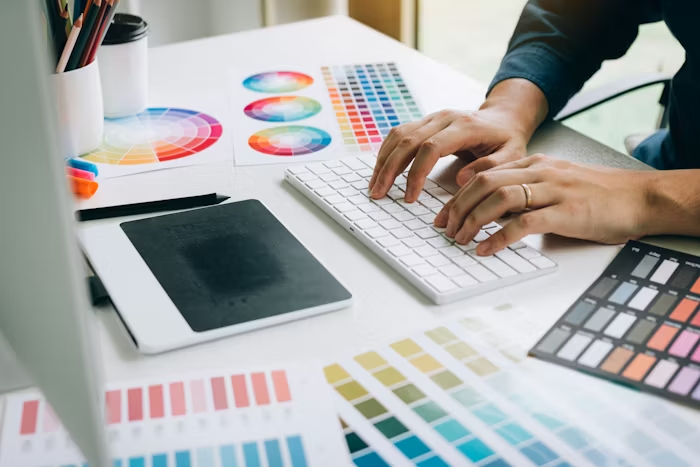
Table of Contents
Why Thumbnails Make or Break Your Content
Before diving into AI solutions, let’s understand what’s at stake. Research consistently shows that thumbnails dramatically impact click-through rates (CTR). A compelling thumbnail can increase CTR by 30% or more compared to a mediocre one. For content creators, this translates directly to views, engagement, revenue, and growth.
Effective thumbnails share common characteristics: they’re visually striking, clearly communicate the content’s value, feature readable text even at small sizes, maintain brand consistency, and trigger emotional responses that compel clicks. Traditional thumbnail creation requires graphic design skills, photo editing software proficiency, and significant time investment—especially when you’re publishing multiple pieces of content weekly.
The pressure intensifies when you consider A/B testing. Optimizing thumbnails means creating multiple versions to test which performs best, multiplying the workload exponentially.
The Traditional Thumbnail Creation Bottleneck
Content creators typically face several painful options when creating thumbnails:
Also Read

DIY with Design Software: Learning Photoshop or similar tools takes months. Even with skills, creating a single polished thumbnail can take 30-60 minutes, and maintaining visual consistency across dozens of thumbnails requires meticulous organization and templates.
Hiring Designers: Professional designers deliver quality results but charge $25-$100+ per thumbnail. For creators publishing daily or multiple times weekly, costs quickly become unsustainable.
Template Services: Platforms like Canva offer templates that speed up the process, but templates often look generic. When everyone uses similar templates, your content blends into the crowd rather than standing out.
Stock Photography: Stock images provide professional visuals but rarely perfectly match your specific content. They also lack uniqueness—your competitor might use the same image.
Each approach involves compromises between quality, cost, time, and uniqueness. For growing creators, these trade-offs create real constraints on content production and optimization.
How AI Transforms Thumbnail Creation
Generative AI eliminates these compromises by making professional-quality, unique thumbnails accessible to everyone, regardless of budget or design skills. The technology enables rapid creation, unlimited variations, and complete customization—all within minutes rather than hours.
Here’s how AI streamlines the thumbnail workflow:
Instant Generation: Describe your desired thumbnail in plain language, and AI creates it in seconds. “Tech reviewer examining smartphone, dramatic lighting, blue and orange color scheme, excited expression” becomes a polished image ready for use.
Unlimited Variations: Generate dozens of alternatives instantly to find the perfect option. Test different color schemes, compositions, facial expressions, or text placements without additional cost or time.
Brand Consistency: Once you establish a visual style that works, AI can replicate that aesthetic across all future thumbnails, building recognizable branding.
A/B Testing Made Easy: Create multiple thumbnail versions for the same content and let data determine which performs best. When testing is this simple, optimization becomes sustainable rather than aspirational.
Rapid Iteration Based on Performance: When you identify what works, quickly generate more thumbnails following those successful patterns.
Elevating Thumbnails with Image-to-Image Technology
While generating thumbnails from text descriptions is powerful, sometimes you need more control over the final result. Maybe you have a specific screenshot, photo, or rough concept that needs transformation into a polished thumbnail. This is where image-to-image AI technology becomes invaluable.
Pollo AI offers a sophisticated image to image generator that gives creators unprecedented control over thumbnail creation. Rather than starting from scratch with text prompts, you can upload an existing image—a screenshot from your video, a product photo, or even a rough sketch—and guide the AI to transform it into a compelling thumbnail while preserving the core elements you want to maintain.
For example, you might have a screenshot from your video that captures the perfect moment but has poor lighting and composition. Upload it to Pollo AI’s image-to-image feature, and transform it into a vibrant, professionally-lit thumbnail with enhanced colors, better framing, and added visual impact—all while keeping the authentic moment from your content.
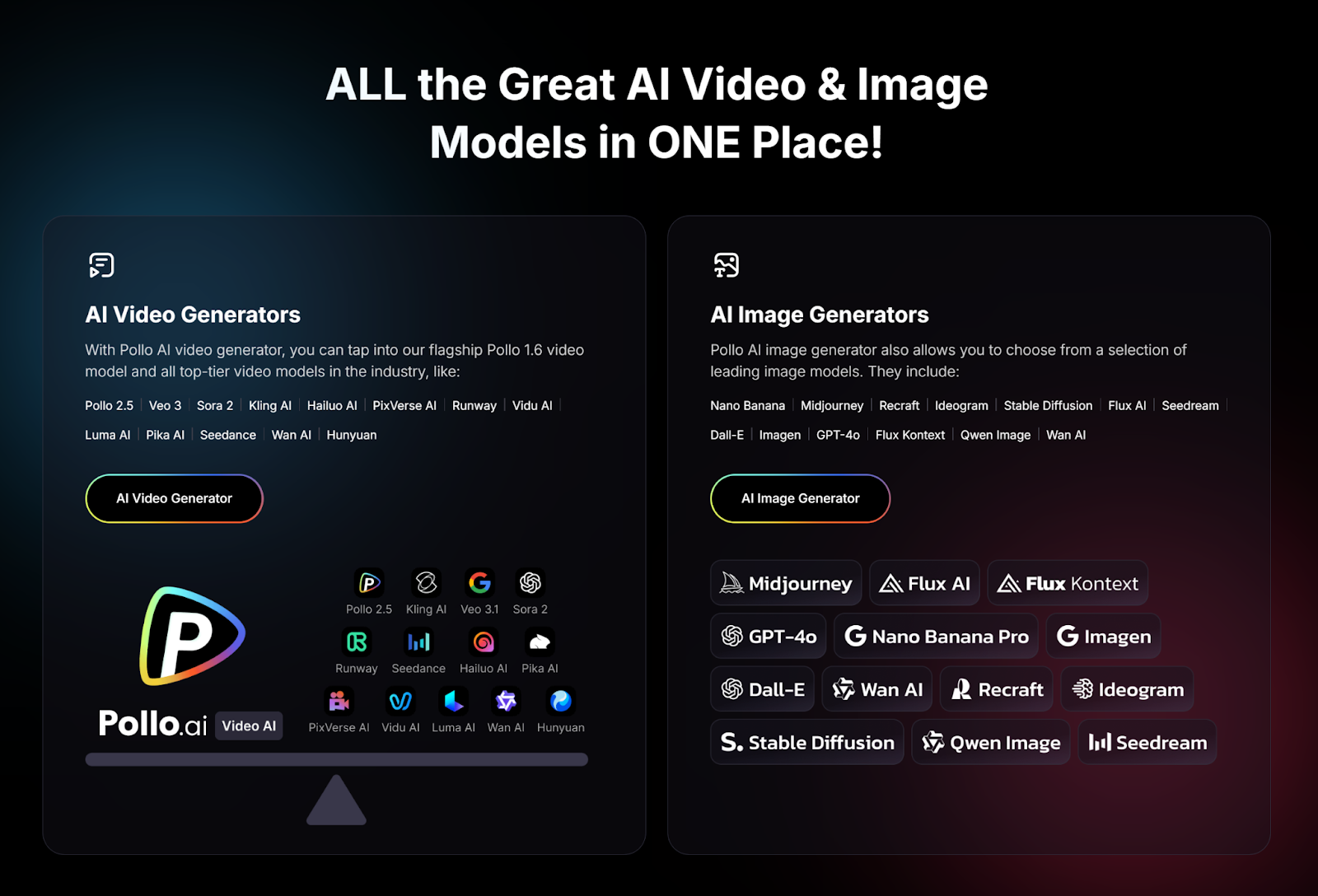
What makes Pollo AI particularly valuable for thumbnail creators is its all-in-one approach. Instead of subscribing to multiple AI tools for different needs, you get access to various popular AI image and video generation models through a single platform. This means you can experiment with different AI engines to discover which produces the best results for your specific content style and audience preferences.
Pollo AI’s video creator app adds another dimension of convenience. Capture inspiration, create thumbnails, or make quick adjustments on the go—perfect for creators who work across multiple locations or need to publish content while traveling.
Practical Strategies for AI-Generated Thumbnails
To maximize the impact of AI-generated thumbnails, implement these proven strategies:
Develop a Thumbnail Formula: Analyze your best-performing thumbnails to identify patterns. Do certain color combinations work better? Does your audience respond to faces or text-heavy designs? Once you identify what works, encode that formula into your AI prompts for consistency.
Optimize for Small Sizes: Remember that thumbnails appear tiny on mobile devices. Test your AI-generated thumbnails at actual display sizes to ensure text remains readable and key elements stay visible.
Incorporate Text Strategically: Use AI to generate the background image, then add text overlays with simple editing tools. This hybrid approach combines AI’s visual power with precise control over messaging.
Create Template Variations: Generate several background variations that align with your brand, then use them as templates for different content types. This builds visual consistency while maintaining uniqueness.
Test Emotional Triggers: Generate thumbnails that evoke different emotions—curiosity, excitement, surprise, urgency—and measure which emotional appeals resonate most with your audience.
Match Content Accurately: Ensure your thumbnail genuinely represents your content. Clickbait thumbnails might boost initial CTR but damage long-term trust and audience retention.
Measuring and Optimizing Performance
AI makes thumbnail creation fast enough that optimization becomes practical. Implement a systematic testing process:
Create 3-5 thumbnail variations for each piece of content using AI. Test them with small audience segments or use platform A/B testing features. Measure CTR, watch time, and engagement metrics. Identify winning patterns and incorporate them into future thumbnails.
Over time, you’ll develop data-driven insights about what works for your specific audience. AI enables you to act on these insights immediately, continuously improving performance without proportional increases in time or cost.
The Competitive Advantage
When creating compelling thumbnails becomes this accessible, the competitive landscape shifts. Success depends less on budget or technical skills and more on creativity, understanding your audience, and willingness to test and optimize.
Small creators can compete visually with established channels. Niche content creators can maintain professional presentation without professional budgets. Rapid publishers can sustain quality across high-volume output.
The playing field has leveled, and those who embrace these tools gain significant advantages over competitors still struggling with traditional thumbnail creation methods.
Getting Started
Begin experimenting with AI thumbnail creation today. Start simple—generate a few variations for your next piece of content and compare performance against your usual approach. Pay attention to which prompts produce the best results and refine your process iteratively.
Remember that AI is a tool that amplifies your creative vision, not a replacement for understanding your audience. The most effective thumbnails combine AI’s technical capabilities with your knowledge of what resonates with your specific viewers.
As you build experience, you’ll develop intuition for crafting prompts that generate exactly what you envision. The initial learning curve is minimal compared to traditional design software, and the ongoing time savings compound with every thumbnail you create.
Your thumbnail is your content’s first impression. With AI, making that impression count no longer requires choosing between quality, speed, and cost. You can have all three, giving your content the best possible chance to stand out in an increasingly crowded digital landscape.