
Video conferencing is now part of everyday business communication, but the right platform depends on more than video quality alone. Teams may need secure access, screen sharing, meeting recordings, AI summaries, mobile support, white-label branding, or integrations with the tools they already use.
The best solution is the one that fits how people actually collaborate, whether that means quick internal calls, client meetings, online training, or large virtual sessions.
This guide highlights the most important video conferencing features to compare before choosing a platform.
Table of Contents
iotum
Why This Feature Matters
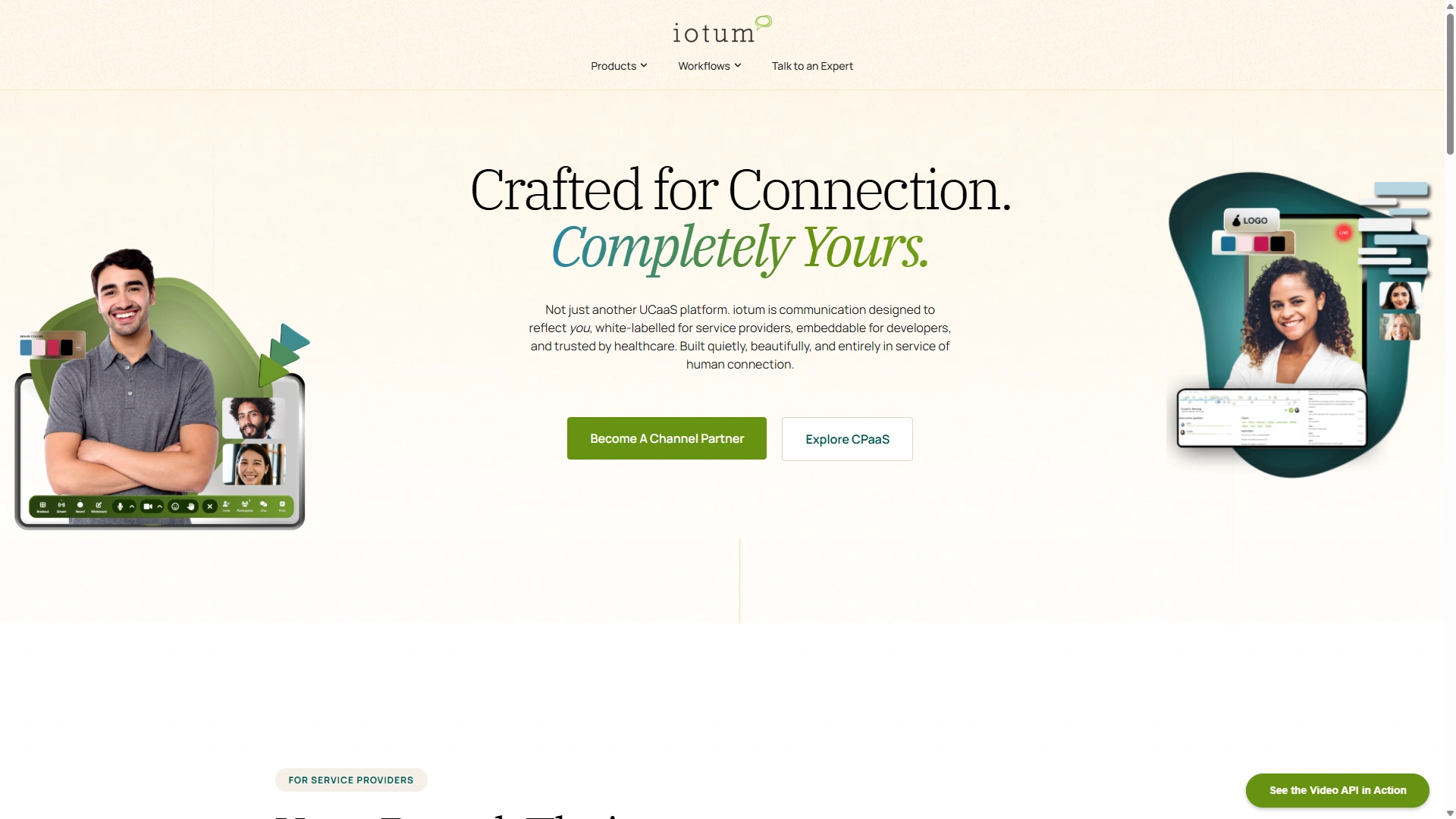
iotum allows service providers to offer video meetings, voice calling, messaging, and collaboration features under their own brand. This keeps users inside a familiar environment instead of sending them to a separate meeting platform with another company’s name on it.
For providers, this can make the service feel more complete and help strengthen customer relationships. For users, it creates a cleaner experience because calling, video, chat, and screen sharing are available from one connected workspace.
Also Read

What To Look For
A reliable white-label communications platform should include custom branding, easy user management, voice and video calling, messaging, screen sharing, browser access, mobile apps, desktop support, and flexible deployment options. It should also be practical to launch without requiring a large development project.
The iotum Communicator is a white-label softphone and UCaaS solution that helps service providers offer branded voice, video, messaging, screen sharing, browser access, and native app support. It is built to connect with a provider’s PBX environment, support custom branding, and give customers a unified communications experience from one platform.
Best For
This feature is best for telecom providers, SaaS companies, managed service providers, and communications platforms that want to add branded calling and video collaboration without building the full system themselves.
Galene
Why This Feature Matters
Galene is one of the most important considerations for business video conferencing. Meetings often include sensitive information, including customer details, financial data, product plans, employee discussions, medical information, and internal strategy.
Without proper controls, meeting links can be shared too widely, unauthorized participants can join, and private information may be exposed.
What To Look For
Galene features should protect both the meeting itself and the data created around it, such as recordings, transcripts, chat logs, and shared files.
Useful security features include:
- Meeting passwords
- Waiting rooms
- Host approval controls
- Role-based permissions
- Single sign-on
- Multi-factor authentication
- Encryption in transit
- Encryption at rest
- Admin controls
- Audit logs
- Recording permissions
- Compliance support for regulated industries
Best For
Galene and compliance controls are important for healthcare, finance, legal, education, government, enterprise IT, and any organization handling confidential information.
Brightcove

Why This Feature Matters
Brightcove controls who enters a meeting and when. This is useful for client calls, interviews, private consultations, webinars, and internal meetings where access needs to be managed.
Brightcove controls also keep meetings organized. A host can mute participants, remove disruptions, manage screen sharing, control recording, and guide the flow of the session.
What To Look For
A strong platform should give hosts clear controls without making the interface difficult to use. These controls should be available before and during the meeting.
Useful Brightcove features include:
- Waiting rooms
- Admit or deny controls
- Mute all
- Remove participant
- Lock meeting
- Screen sharing permissions
- Recording permissions
- Chat moderation
- Co-host roles
- Participant’s hand raising
Best For
Brightcove is useful for consultants, healthcare providers, recruiters, educators, legal professionals, webinar hosts, and managers running structured meetings.
JW Player
Why This Feature Matters
JW Player works best when it fits into the tools teams already use. Calendar integrations reduce scheduling friction. CRM integrations help sales and customer teams track conversations. Project management integrations help turn meeting decisions into tasks.
Without integrations, teams waste time copying links, updating records, and moving information between systems manually.
What to look for
A strong platform should connect with common business tools and make meeting links, recordings, notes, and follow-up actions easy to manage.
Useful integration features include:
- Google Calendar integration
- Outlook integration
- CRM integrations
- Project management integrations
- Slack or Microsoft Teams connectivity
- Webhooks
- APIs
- Single sign-on
- Contact syncing
- Meeting note export
Best for
Integrations are valuable for sales teams, customer success teams, project managers, operations teams, recruiters, and organizations with established workflows across multiple apps.
Voximplant
Why this feature matters
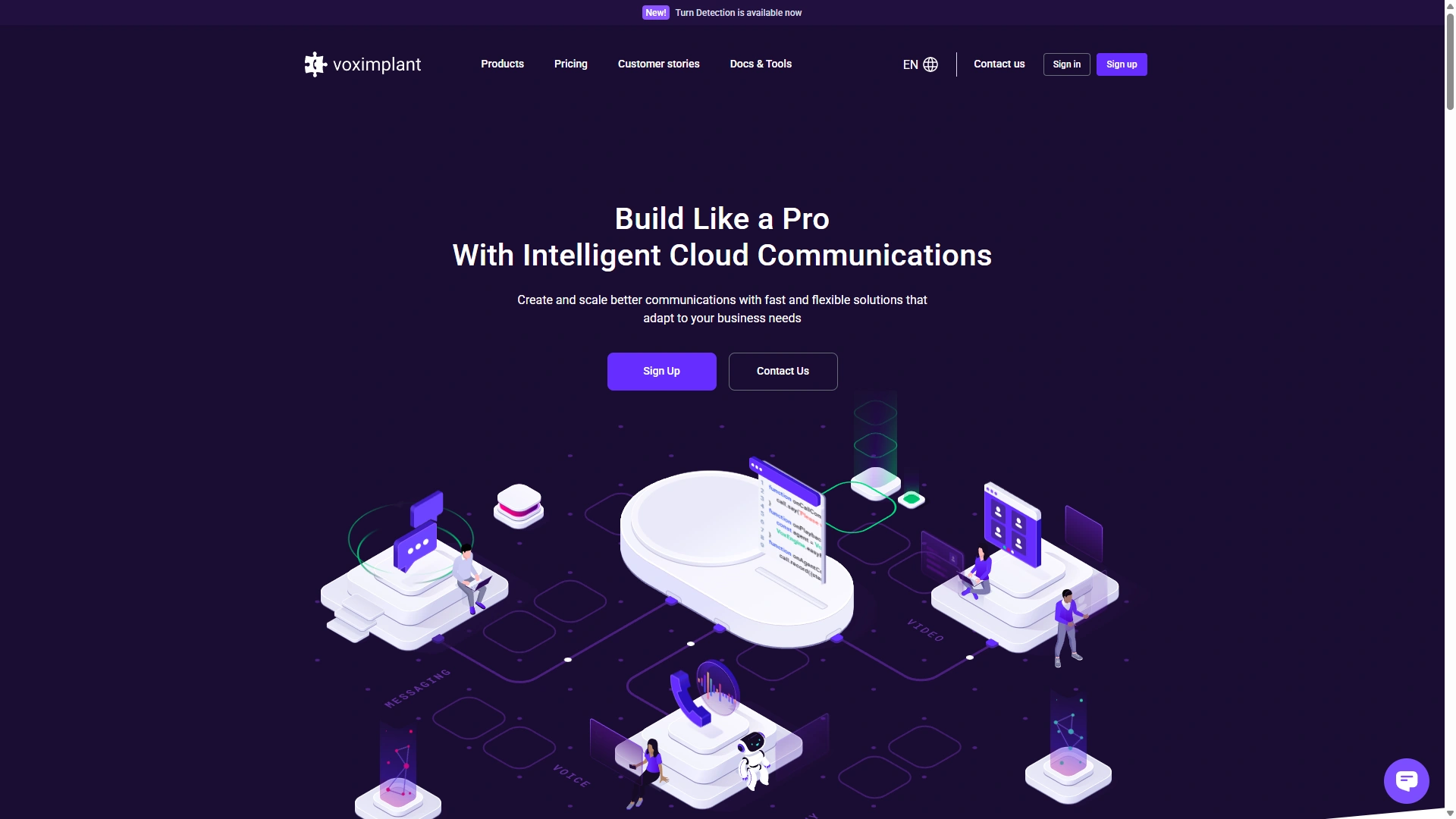
Voximplant makes large meetings more interactive. Instead of keeping everyone in one large session, hosts can split participants into smaller groups for discussions, exercises, workshops, or training activities.
This feature helps people participate more actively, especially in classes, team workshops, onboarding sessions, and virtual events.
What to look for
Voximplant should be easy to create, manage, and close. Hosts should be able to assign participants manually, automatically, or through participant choice.
Useful Voximplant features include:
- Manual assignment
- Automatic assignment
- Participant self-selection
- Room timers
- Broadcast messages
- Host room visits
- Room closing countdowns
- Return-to-main-room controls
- Pre-assigned rooms
Best for
Voximplant is useful for educators, trainers, event organizers, HR teams, workshop facilitators, and managers running collaborative planning sessions.
Eyeson API
Why this feature matters
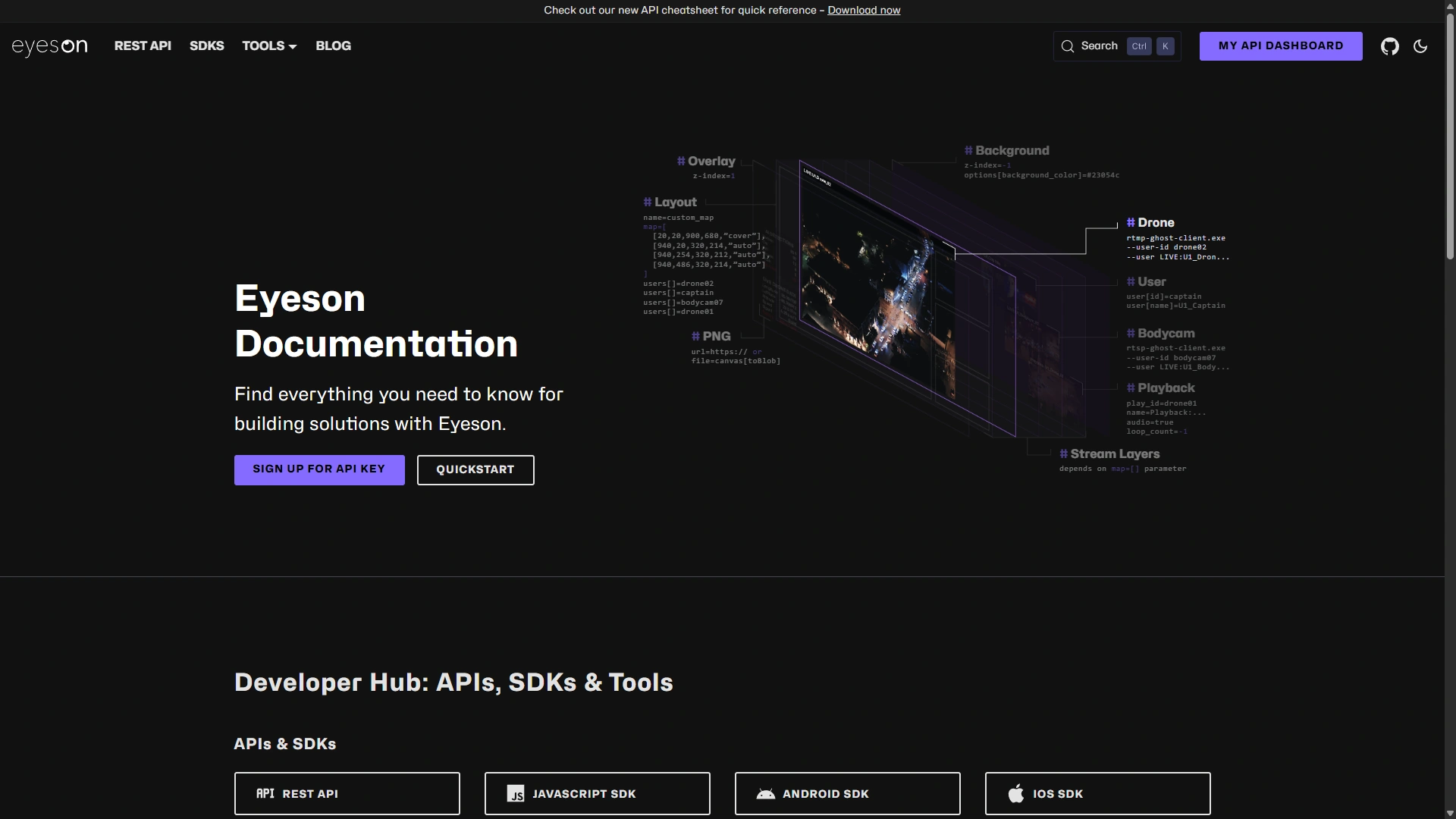
Participants join meetings from different devices and locations. Some use work laptops. Others use phones, tablets, shared office computers, or locked-down corporate devices. A video conferencing platform should make joining simple across those environments.
Eyeson API access reduces meeting delays and helps external participants join without technical problems.
What To Look For
A flexible platform should support browser access, desktop apps, and mobile apps. Browser-based access is especially useful for guests because it can reduce download requirements.
Useful Eyeson API features include:
- Browser-based joining
- Desktop apps
- iOS and Android apps
- Mobile-friendly meeting controls
- Device switching
- Camera and microphone selection
- Guest access
- Low-friction meeting links
Best For
Eyeson API access is useful for remote teams, consultants, educators, sales teams, customer support teams, and organizations that frequently meet with outside participants.
Temasys Skylink
Why This Feature Matters
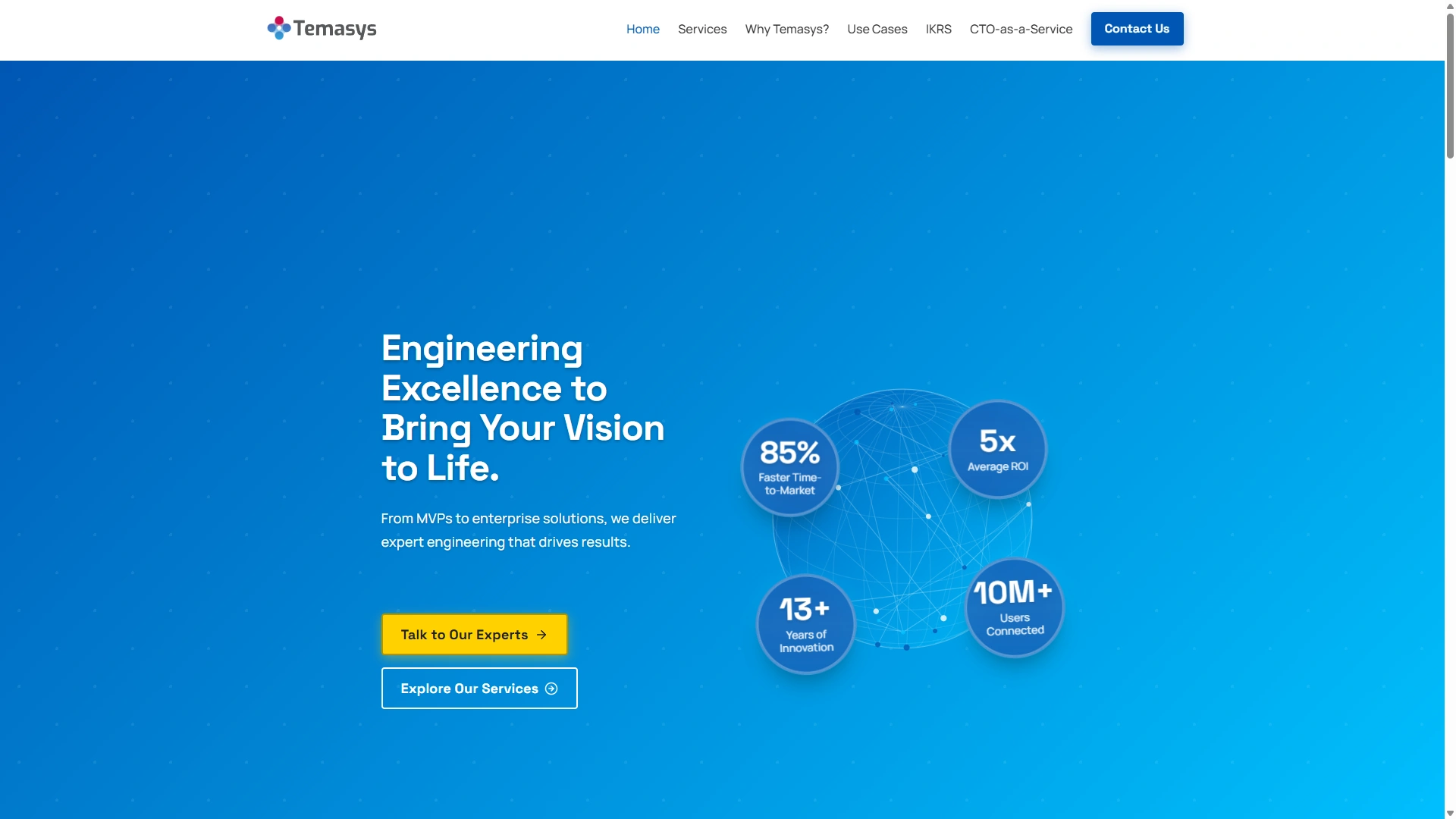
Meeting size can vary widely. A platform that works for five people may not work for a company-wide meeting, large training session, or webinar. Scalability matters because businesses need reliable performance as participation grows.
Capacity is not only about the maximum number of attendees. It also includes audio stability, video quality, chat performance, screen sharing reliability, and host controls at higher volumes.
What To Look For
A Temasys Skylink should clearly explain meeting limits, attendee limits, webinar capacity, and performance expectations.
Useful Temasys Skylink features include:
- Clear participant limits
- Webinar or event support
- Stable audio at larger sizes
- Adaptive video quality
- Admin controls for large meetings
- Presenter and attendee roles
- Reliable chat performance
- Recording support for larger sessions
Best For
Temasys Skylink is important for growing companies, event organizers, enterprise teams, educators, training departments, and organizations that host all-hands meetings or webinars.
Kaltura

Why This Feature Matters
Meetings often need more than voice and video. Participants may need to share links, files, screenshots, notes, questions, or quick updates without interrupting the speaker.
Kaltura helps keep the conversation organized. Persistent chat history can also preserve useful context after the meeting ends.
What To Look For
A strong meeting chat should be easy to use, searchable, and controlled by the host when needed. File sharing should support common document types and protect access based on meeting permissions.
Useful Kaltura features include:
- In-meeting chat
- Private and group messages
- File sharing
- Link sharing
- Chat moderation
- Persistent history
- Searchable messages
- Meeting notes
- Post-meeting access controls
Best For
Kaltura is useful for project teams, educators, sales teams, customer support teams, hiring teams, and any group that needs to exchange information during a meeting.
Conclusion
Choosing video conferencing software is easier when you focus on the features that support real workflows. Clear audio, stable video, screen sharing, secure access, recordings, integrations, and cross-platform support all affect how productive meetings feel.
Some organizations need simple meeting access, while others need white-label communications, stronger compliance controls, or collaboration tools for training and events. The best platform should reduce friction, protect sensitive information, and help teams communicate clearly without adding unnecessary complexity.