Small friction points often decide how shoppers feel about an online store. A checkout step that asks for too much, a coupon that does not apply as expected, or a page that loads fine but feels confusing can quietly push visitors away. In eCommerce stores, user experience is shaped by dozens of such moments rather than a single feature or design choice.
The right tech-stack can help smooth those moments without changing how the store fundamentally works. They improve clarity, reduce unnecessary actions, and make interactions feel more natural for customers as they browse, compare, and complete purchases. From payments and forms to product discovery and post-purchase communication, these tools quietly support better shopping journeys.
This list brings together WooCommerce and WordPress plugins that focus on improving how customers interact with an eCommerce store. Each plugin addresses a specific part of the shopping experience, helping store owners reduce friction and create an environment that feels easier to use and more dependable for shoppers.
Table of Contents
- 1- Smart Coupons for WooCommerce
- 2- Checkout Field Editor for WooCommerce
- 3- GDPR Cookie Consent Plugin
- 4- WooCommerce Stripe Payment Gateway
- 5- WooCommerce Gift Cards
- 6- Broken Link Checker
- 7- Product Recommendations for WooCommerce
- 8- Variation Swatches for WooCommerce
- 9- PDF Invoices and Packing Slips for WooCommerce
- 10- WPForms
- 11- Request a Quote for WooCommerce
- 12- Subscriptions for WooCommerce
- 13- Product Feed for WooCommerce
- 14- TranslatePress
- 15- WooCommerce Email Automations App
- 16- Elementor Website Builder
- 17- URL Coupons for WooCommerce
- Wrapping Up
1- Smart Coupons for WooCommerce
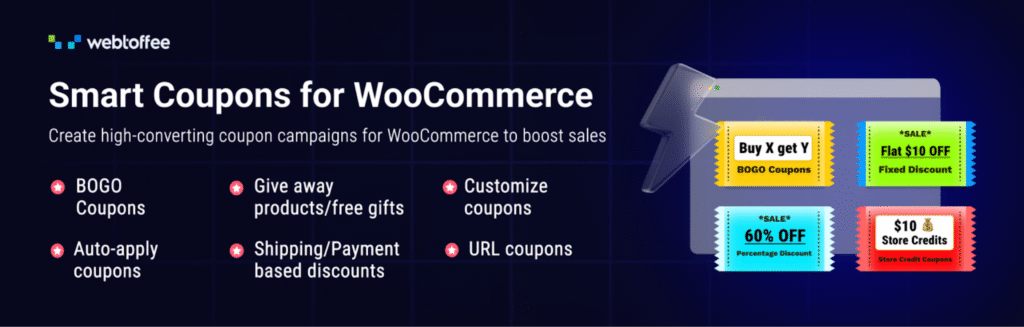
Smart Coupons for WooCommerce extends the default coupon system and gives store owners more control over how discounts, rewards, and incentives are presented. For stores where standard WooCommerce coupons fall short, this plugin fills the gap without adding unnecessary complexity.
This advanced coupon plugin allows coupons to work automatically and contextually. Discounts can apply at checkout without requiring customers to hunt for codes, while BOGO offers and conditional coupons adjust based on cart behavior. Store credits and gift cards add another layer of flexibility, letting businesses reward loyal customers or handle refunds without breaking the shopping flow.
Also Read


This way, customers see relevant offers at the right time, understand their savings instantly, and complete purchases with fewer steps. Instead of interrupting the shopping journey, discounts become part of it, creating a smoother experience for shoppers.
2- Checkout Field Editor for WooCommerce
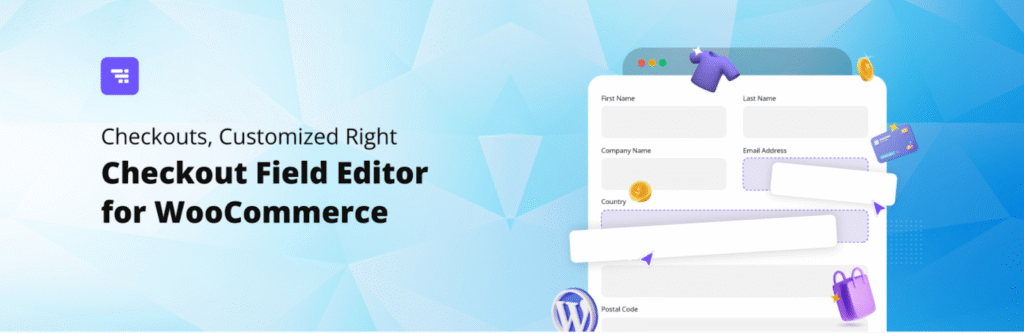
The Checkout Field Editor for WooCommerce focuses on one of the most sensitive points in any online store: the checkout page. When customers are faced with fields that feel irrelevant or excessive, hesitation creeps in. This plugin gives store owners the flexibility to shape checkout forms so they match how customers actually buy, rather than forcing everyone through the same rigid process.
The plugin makes it easy to add, remove, or rearrange checkout fields. Fields can be simplified for faster purchases or expanded when extra details are needed. Validation options help keep data clean, while support for different field types allows stores to collect information in a way that feels natural.
By reducing visual clutter and unnecessary steps, this plugin contributes to a calmer checkout experience that supports confident buying decisions.
3- GDPR Cookie Consent Plugin
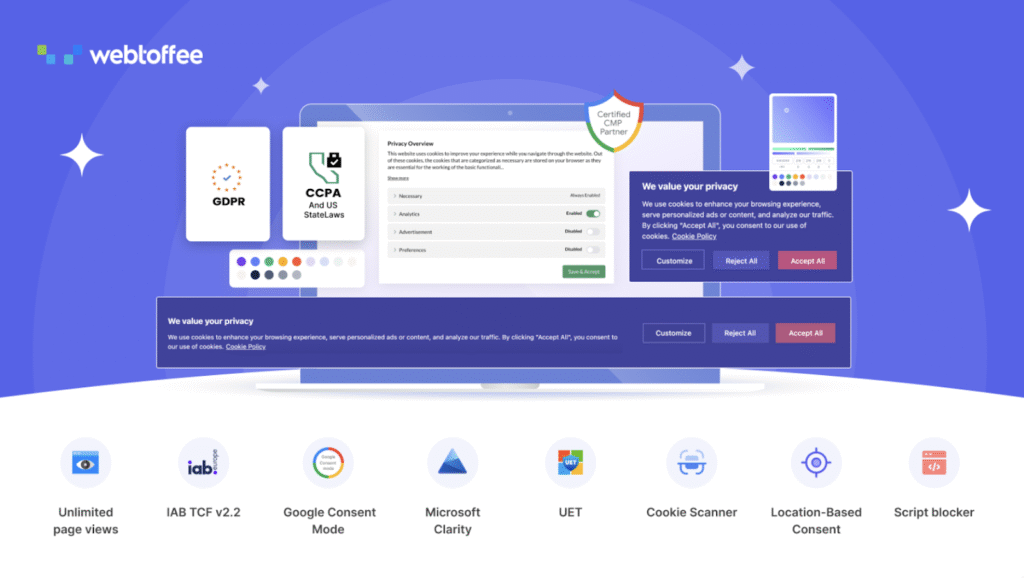
GDPR Cookie Consent Plugin helps online stores handle privacy requirements without disrupting how visitors interact with the site. Instead of treating cookie compliance as a separate layer, the plugin integrates consent collection into the browsing experience in a way that feels clear and unobtrusive.
Beyond displaying a consent banner, the WooCommerce cookie consent plugin actively controls how cookies behave. Third-party scripts remain blocked until visitors give permission, which helps stores meet regulatory expectations while keeping tracking accurate through built-in support for Google Consent Mode, IAB TCF v2.3 guidelines, and Microsoft Clarity Consent V2.
Location-based banner display ensures that visitors in the EU see the right prompts, while others are not unnecessarily interrupted. Multilingual support further helps stores communicate consent choices clearly to a global audience.
This way, shoppers understand what they are agreeing to and are not forced through confusing or aggressive prompts. That sense of transparency makes customers more comfortable browsing products, engaging with content, and continuing through checkout without hesitation.
4- WooCommerce Stripe Payment Gateway

WooCommerce Stripe Payment Gateway brings flexibility to the checkout experience effortlessly. As shoppers expect to pay in ways that suit their habits, this plugin helps stores meet those expectations while keeping the payment process fast and familiar. It allows businesses to offer modern payment options without having to manage multiple systems behind the scenes.
The plugin supports a wide range of payment methods directly within the checkout, including digital wallets and buy now, pay later options. This gives customers more freedom to complete purchases in a way that feels comfortable to them. At the same time, built-in fraud protection through Stripe Radar works quietly in the background, helping store owners reduce risk without adding extra steps for legitimate buyers.
Fewer surprises at checkout, familiar payment choices, and quick confirmations help shoppers move from decision to purchase with confidence. By reducing this friction at the final step, this plugin plays a direct role in improving the overall shopping experience.
5- WooCommerce Gift Cards
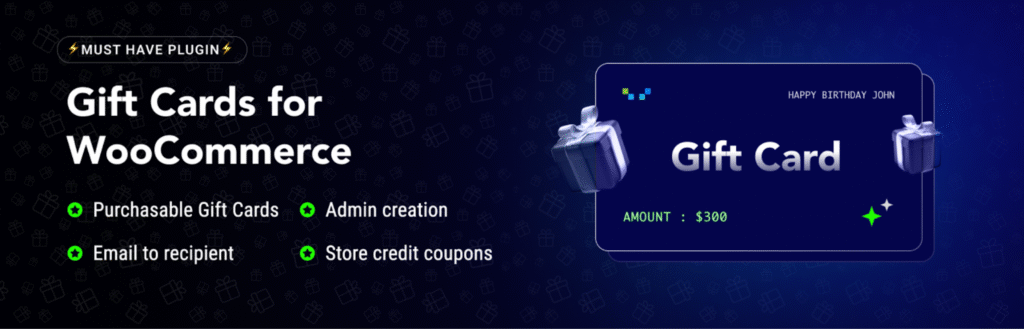
WooCommerce Gift Cards gives customers an easy way to purchase for others without needing to decide on the exact product. Gift cards fit naturally into online shopping habits, especially during holidays and special occasions, and this plugin makes offering them feel like a built-in part of the store rather than an add-on.
The plugin allows stores to sell digital gift cards that can be delivered instantly by email or scheduled for later. Customers can choose preset values or enter custom amounts, which keeps the buying process simple and flexible. On the store side, gift card balances are tracked automatically and can be redeemed during checkout without confusing instructions.
From a user experience point of view, gift cards remove pressure from the buying decision. Shoppers complete purchases faster, recipients enjoy a smooth redemption process, and stores benefit from repeat visits when balances are used. This creates a more relaxed and convenient shopping experience that works well for both first-time buyers and returning customers.
6- Broken Link Checker
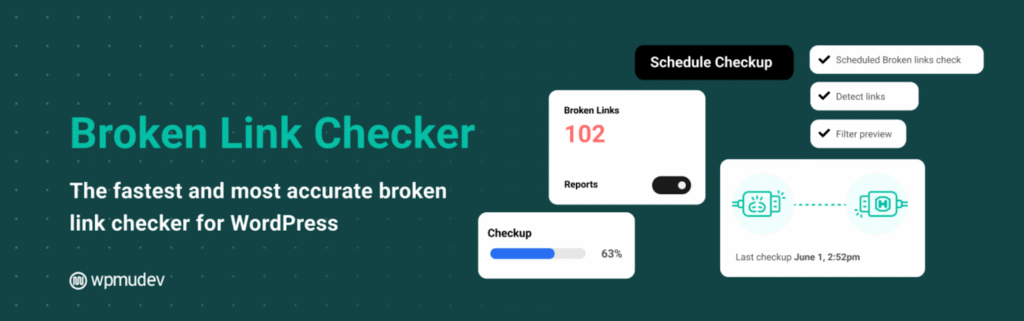
Broken Link Checker focuses on a problem most store owners notice only after customers do. A broken product link or a missing image can quickly make a store feel unreliable, even if everything else works perfectly. This plugin helps catch those issues early, before they affect how visitors perceive the site.
The plugin uses cloud-based scanning to review links across pages, posts, comments, and custom fields. This makes checks faster and more accurate, especially for larger stores with frequently changing content. Results are presented in a single dashboard where links can be edited, removed, or ignored without opening each page individually, which saves time and reduces manual cleanup.
Pages load as expected, navigation feels dependable, and product journeys are not interrupted by dead ends, supporting a smoother browsing experience that helps customers stay engaged.
7- Product Recommendations for WooCommerce
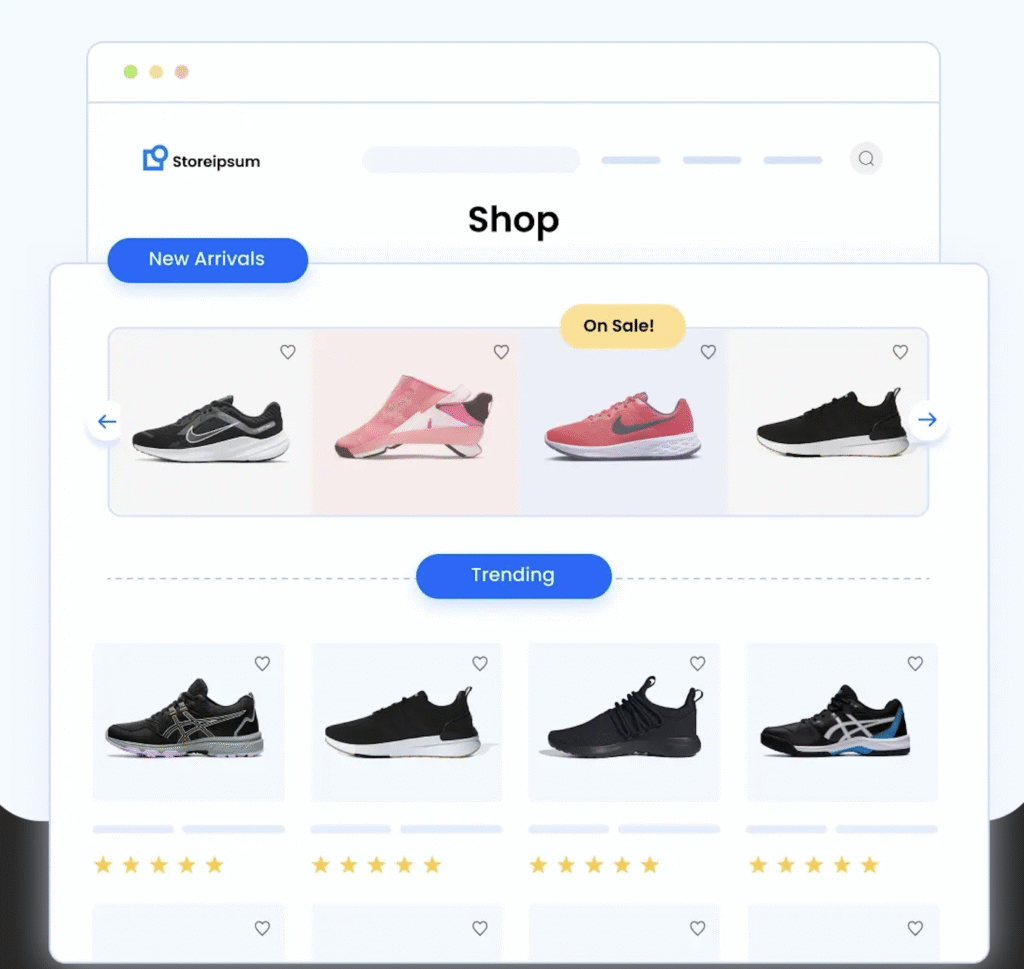
Product Recommendations for WooCommerce helps stores guide shoppers toward products they are more likely to find useful, without making the experience feel pushy. The plugin instead introduces relevant suggestions at moments when shoppers are already engaged with a product or category.
The plugin can automatically surface recommendations such as related items, frequently bought together products, or popular picks based on store data. Store owners can control where these suggestions appear and adjust how products are sorted, which keeps recommendations aligned with business goals while still feeling natural. Flexible layouts like grids or sliders allow recommendations to blend into the store design rather than standing out as promotional blocks.
This way, shoppers spend less time searching and more time finding products that actually fit their needs, thereby enhancing the browsing experience.
8- Variation Swatches for WooCommerce
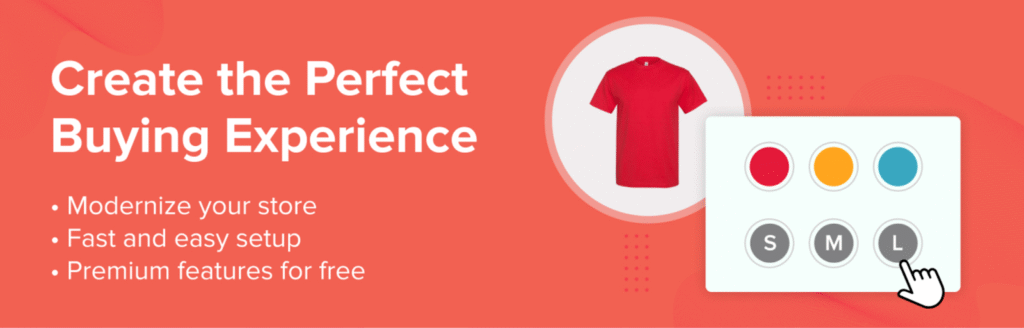
Variation Swatches for WooCommerce improves how customers interact with variable products by changing the way options are presented. Choosing a color, size, or style becomes a visual action rather than a dropdown selection, which makes product pages easier-to-scan.
The plugin allows store owners to display variations as color swatches, image thumbnails, or text labels, depending on what fits the product best. These options are clickable and update product selections instantly, helping customers see what they are choosing. The result is a cleaner product layout that feels more aligned with how people expect to shop online.
By simplifying how variations are selected, the plugin supports a smoother product browsing experience that encourages confident purchases.
9- PDF Invoices and Packing Slips for WooCommerce
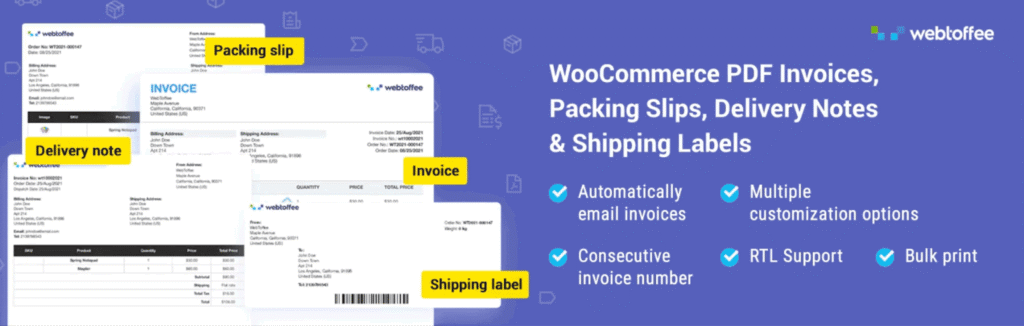
PDF Invoices and Packing Slips for WooCommerce takes care of the documents customers expect to receive after placing an order. Clear invoices and packing slips add structure to the buying process and help stores present themselves as organized and dependable.
The plugin generates invoices, packing slips, and credit notes as soon as orders are processed. Store owners can customize layouts to include branding, tax details such as VAT or GST, and payment information, which keeps documents consistent with the rest of the store experience. Adding a pay now link to invoice PDFs also helps resolve pending payments quickly, especially for customers who prefer to complete payment after reviewing their order details.
For customers, well-prepared documents reduce confusion after checkout. Order details are easy to understand, invoices feel professional, and accessing payment or credit information is straightforward.
10- WPForms
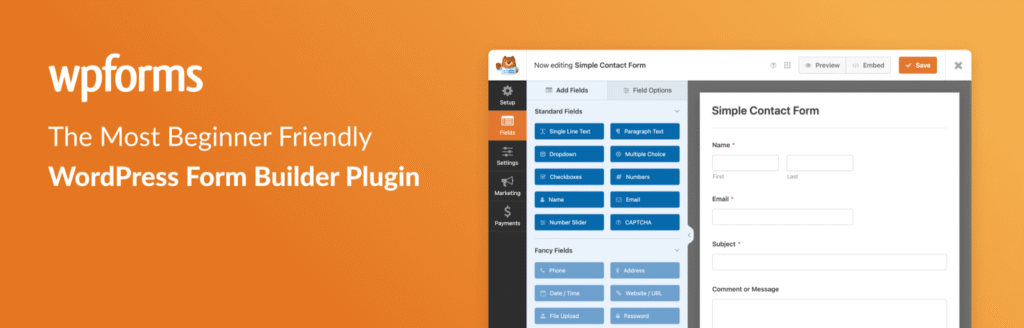
WPForms makes it easy for store owners to add forms that actually feel easy-to-use. Whether it is a contact form, a feedback request, or a simple payment form, the plugin focuses on keeping interactions clear and quick for visitors. That simplicity matters in an eCommerce setting, where customers expect support and communication to be effortless.
The drag-and-drop builder allows forms to be created and adjusted, while ready-made templates cover common use-cases such as inquiries, subscriptions, and payments. Payment integrations with services like Stripe and PayPal allow customers to complete small transactions or deposits directly through forms, which is useful for custom orders or service-based products.
By reducing friction in customer communication and support touchpoints, WPForms contributes to a more approachable and user-friendly shopping experience across the store.
11- Request a Quote for WooCommerce
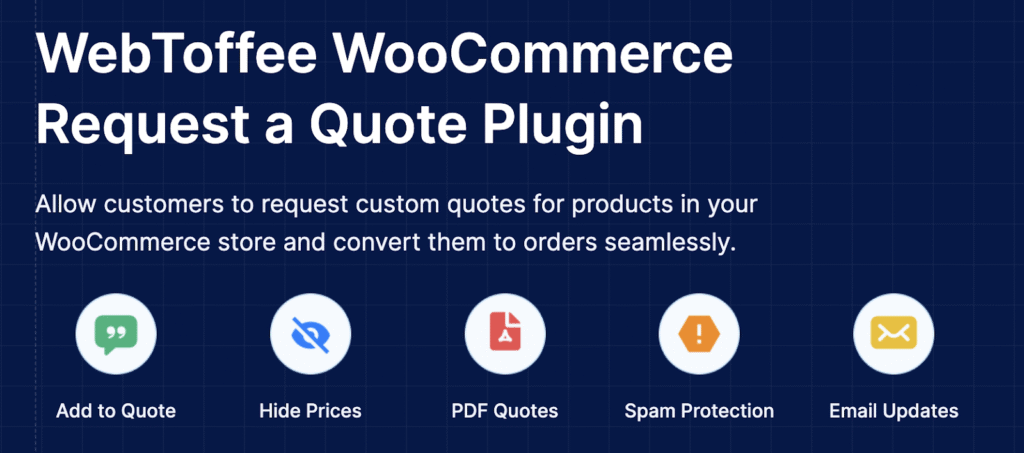
Request a Quote Plugin for WooCommerce is built for stores where pricing is not always fixed. It allows businesses to handle custom pricing conversations without pushing customers away or forcing them to contact support outside the store. By keeping quote requests within the shopping flow, the plugin makes complex purchases feel more approachable.
The plugin lets store owners hide prices or replace the add-to-cart button with a quote option for selected products. Customers can add items to a quote basket, share their requirements, and submit requests through a request a quote form. Once a quote is approved, it can be converted into an order with minimal effort, which keeps the process efficient on both sides and avoids repeated back-and-forth communication.
This way, shoppers are not blocked by missing prices or unclear next steps. Instead, they are guided through a structured request process that feels clear and respectful of their time, improving confidence and overall shopping experience.
12- Subscriptions for WooCommerce
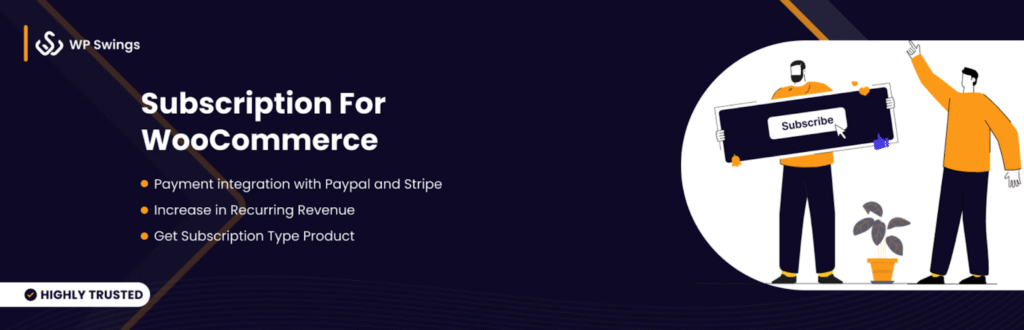
Subscriptions for WooCommerce help stores move beyond one-time purchases by offering products or services on a recurring basis. For customers, subscriptions bring convenience and predictability, while for store owners, they create steady engagement over time. This plugin makes it possible to introduce subscriptions without changing how customers interact with the store.
The plugin supports a wide range of subscription models, from fixed-period plans to flexible subscription boxes where customers can choose what they receive. Subscribers can manage their plans directly, including pausing or canceling when needed, which keeps expectations clear and reduces support requests.
Customers do not need to place the same order again and again, and they retain control over their subscriptions. That sense of ease and transparency helps build trust and encourages long-term relationships between the store and its customers.
13- Product Feed for WooCommerce
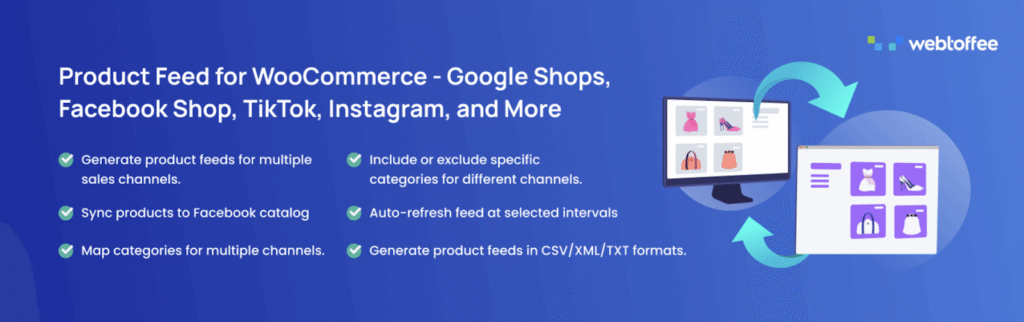
Product Feed for WooCommerce helps stores present their products consistently across multiple shopping and discovery platforms. By syncing product data with channels like Google, Facebook, and other marketplaces, the plugin ensures that listings stay accurate without requiring manual updates for each platform.
The plugin generates optimized product feeds that reflect current pricing, availability, and product details from the store. This keeps campaigns and listings aligned with what customers see when they land on the site. Managing multiple channels from a single place also reduces the risk of outdated information, which is a common source of frustration for shoppers coming from ads or comparison platforms.
For customers, this consistency improves the journey from discovery to purchase. Products they click on match what they expect to see, prices remain clear, and availability is accurate. By reducing confusion between external listings and the store itself, this plugin supports a smoother shopping experience that encourages users to complete their purchases.
14- TranslatePress
TranslatePress makes it simple to turn a WooCommerce store into a multilingual shopping experience without adding complexity to site management. Translations are handled directly from the front-end, which allows store owners to see changes in real-time and adjust content as they work through each page.
The plugin translates entire pages at once, including content generated by shortcodes, forms, and page builders. Because it works seamlessly with WooCommerce, product pages, checkout text, and customer account areas can all be translated without extra configuration. This helps stores maintain consistent messaging across languages while keeping the original layout intact.
For shoppers, browsing in their preferred language removes a major barrier to trust and understanding. Product details feel clearer, checkout instructions are easier to follow, and customers are more comfortable completing purchases.
15- WooCommerce Email Automations App
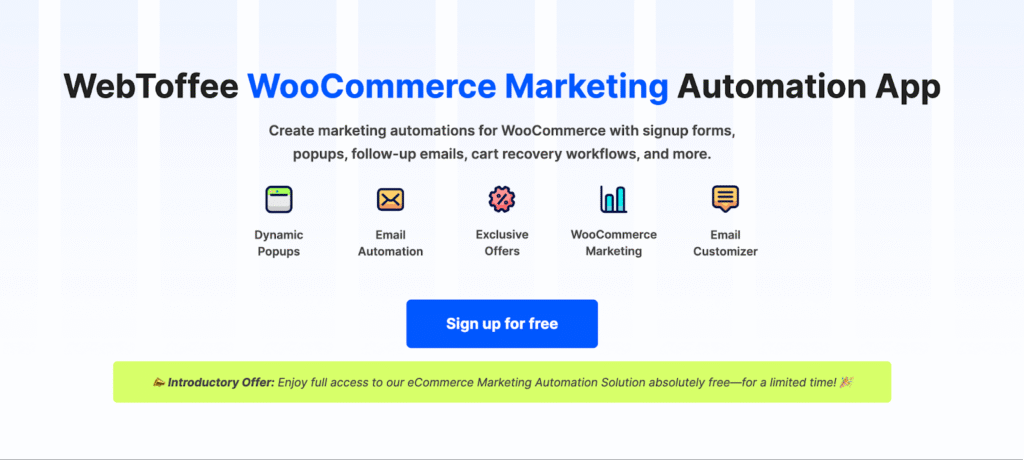
WooCommerce Email Automations App helps stores stay connected with customers at the right moments. Communication happens automatically as shoppers browse, sign up, or complete purchases, which keeps interactions timely while reducing workload for store owners.
The plugin supports email workflows for key touchpoints such as welcoming new users, following up after purchases, and recovering abandoned carts. Interactive elements like exit-intent popups and spin-to-win campaigns add a lighter touch to promotions, giving customers a reason to pause and engage rather than leave.
By aligning marketing messages with customer behavior, this plugin improves the overall shopping experience and encourages customers to return without feeling overwhelmed.
16- Elementor Website Builder
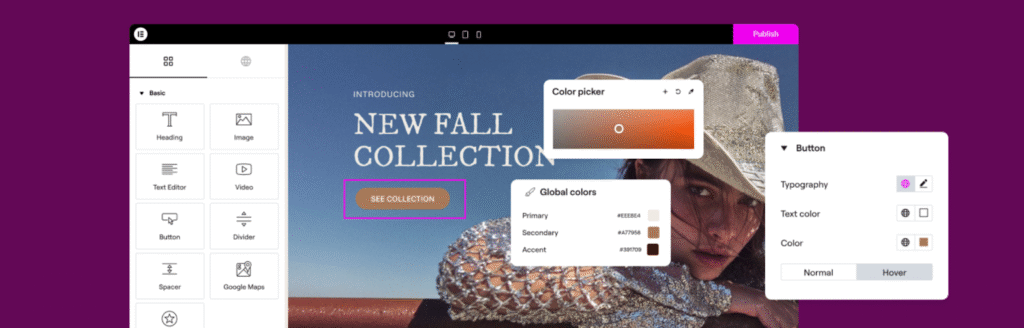
Elementor Website Builder gives store owners control over how their WooCommerce site looks and feels, without requiring technical skills. Its visual-editor makes it easy to design pages that look polished and intentional, which plays a big role in how customers perceive a brand when they first land on the store.
Beyond basic page building, Elementor offers tools that help refine the overall experience. Features like entrance animations and floating action buttons add subtle interaction cues that guide users as they scroll and explore. Built-in performance and image optimization tools help pages load smoothly, while accessibility options ensure content is usable by a wider audience.
For shoppers, the result is a site that feels responsive and thoughtfully designed. Pages are easier to navigate, calls to action are clear, and interactions feel natural rather than forced.
17- URL Coupons for WooCommerce
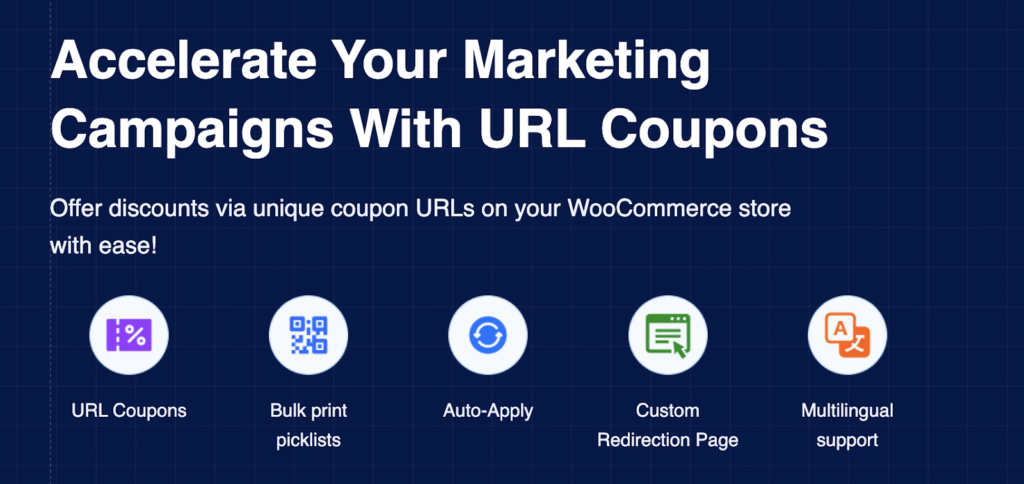
URL Coupons for WooCommerce simplifies how discounts are shared and applied across a store. Instead of asking customers to remember or enter coupon codes, this plugin allows promotions to work through a single click, which removes friction at a moment that often slows shoppers down.
Each coupon can be tied to a dedicated link that applies the discount automatically. Products can also be linked to the coupon, so clicking the URL adds the right items to the cart with the offer already applied. Store owners can control where customers land after clicking the link, whether that is the cart, account page, or another relevant step in the journey.
For customers, this creates a smoother and more intuitive experience. Promotions feel effortless, checkout moves faster, and there is no confusion about whether a discount has been applied correctly.
Wrapping Up
Improving user experience in a WooCommerce store is rarely about one big change. It is usually the result of many small, thoughtful improvements across browsing, checkout, communication, and post-purchase interactions. The plugins covered in this list focus on reducing friction where it quietly builds up, whether that is through clearer product choices, smoother payments, better communication, or more predictable follow-ups.
What makes these tools valuable is how they work behind-the-scenes. Customers are not asked to learn something new or adjust their behavior. The store simply feels easier-to-use, more transparent, and more dependable. When those fundamentals are in place, shoppers are more likely to stay engaged, complete purchases, and return without hesitation.
Over time, those improvements shape an experience that feels considered and consistent, which is what customers remember long after they place an order.
Thanks for reading!